
CIPTAXI Passenger Guide and Mobile Application
Guide to downloading the CIPTAXI VIP transfer application from the App Store and Play Store, installation, trip planning, and booking.
Download the App to Become a CIPTAXI User
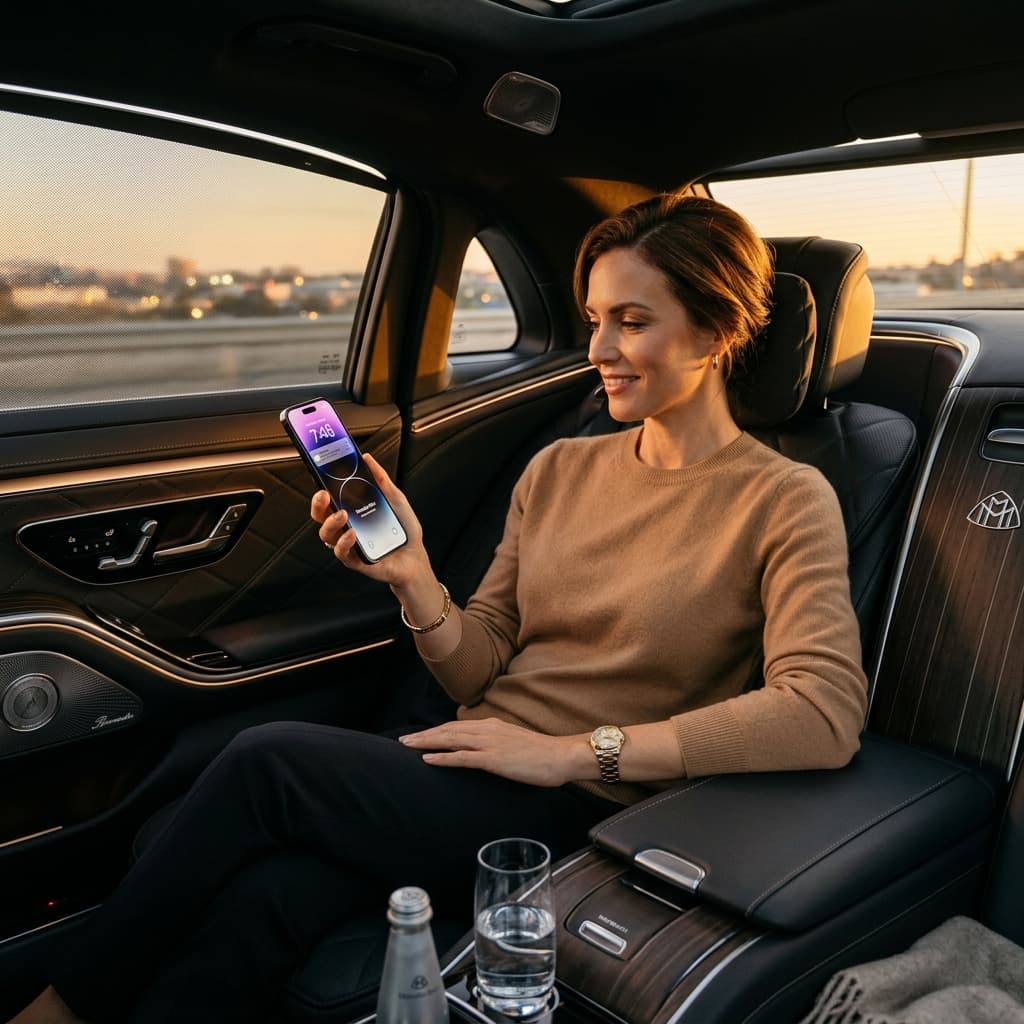
With our easy-to-use smartphone app, wherever you are, your personal VIP chauffeur is at your fingertips.
11. Installation and Registration
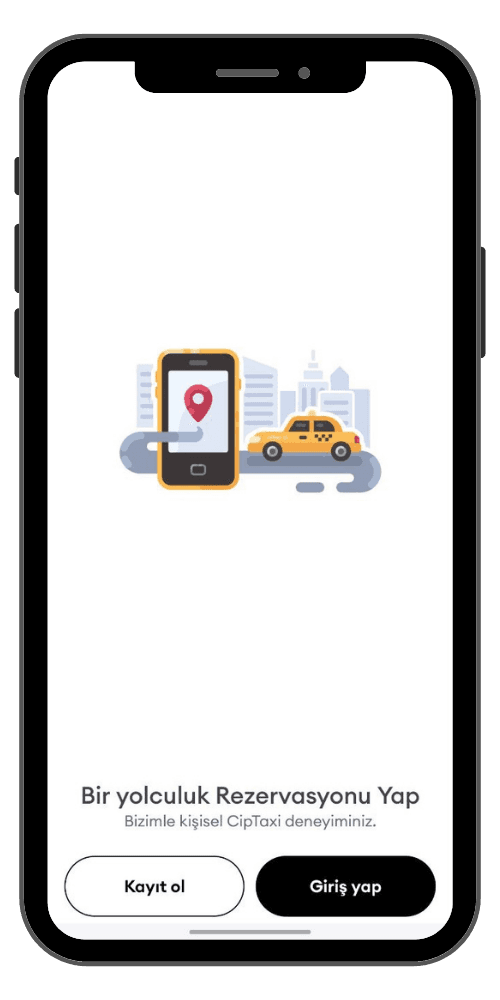
After downloading our application by typing 'CIPTAXI' through the App Store or Play Store, log in. You can easily create an account by entering the requested information with the 'Sign Up' button on the page that appears.
22. Planning the Journey
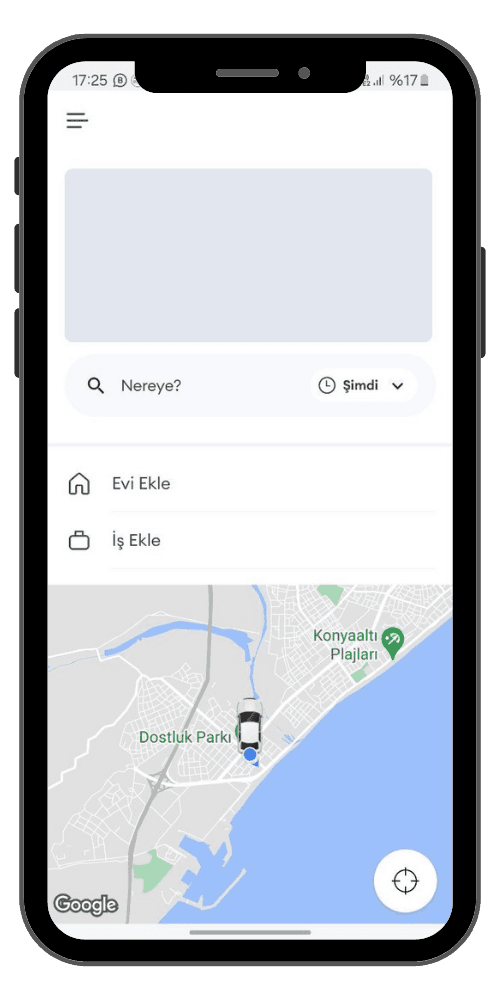
After creating your account, click on the section that says 'Where to?' and click on the address you are going to, the name of the hotel, or the location you will select on the map. Instantly determine the route of your luxury travel.
33. Confirming the Journey
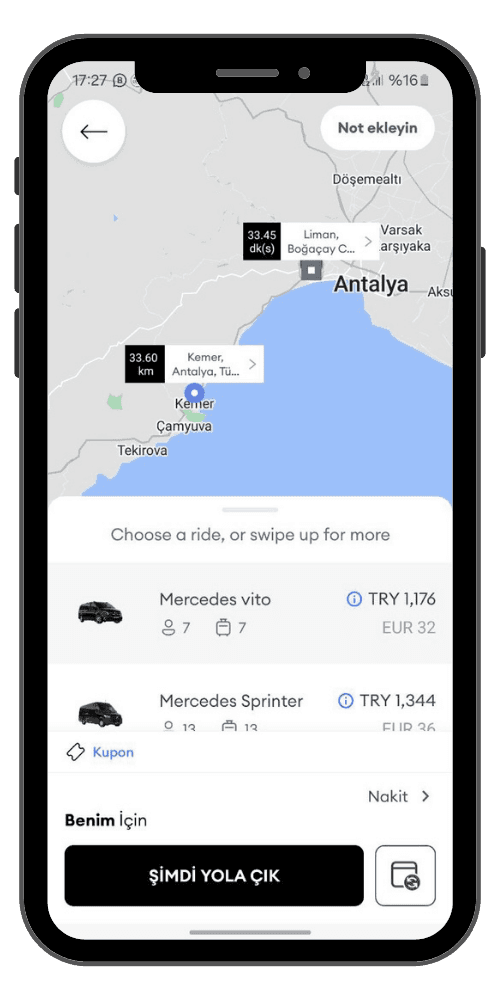
After selecting your destination location, confirm your pick-up location as well. VIP pricing will appear, then select the luxury car (Mercedes Vito, Sprinter) in the class you request. You can create a reservation instantly or for a later date if you wish.
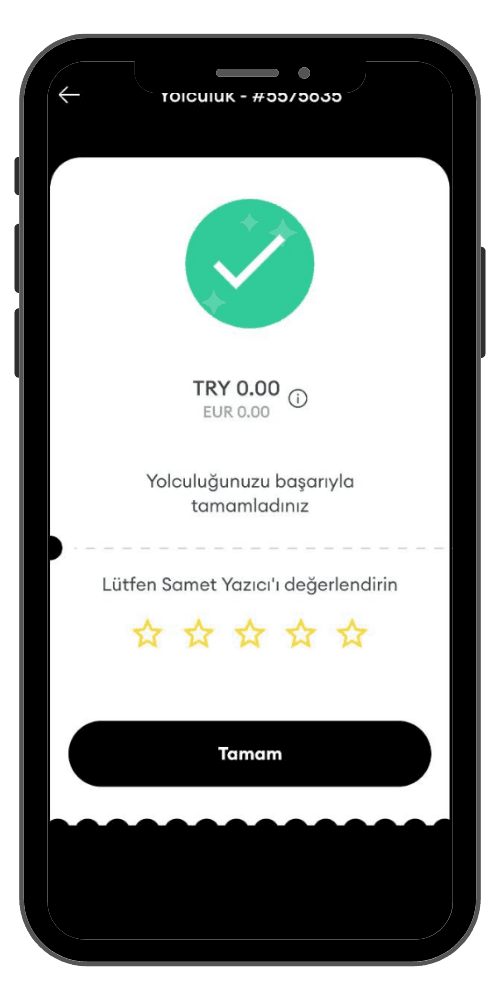
44. Ending the Journey and Payment
After your journey is successfully completed in comfort, you can complete your payment with the payment method you specified (credit card or cash). Do not forget to rate the application and the driver from the rating section that appears later.