

CIPTAXI Driver Guide and Application Management
Downloading the CIPTAXI Driver app, registration and document approval, job acceptance and completion steps of the journeys.
Download the App to Become a CIPTAXI Driver
With our easy-to-use smartphone application, you can easily find your passengers wherever you are and make high profits.
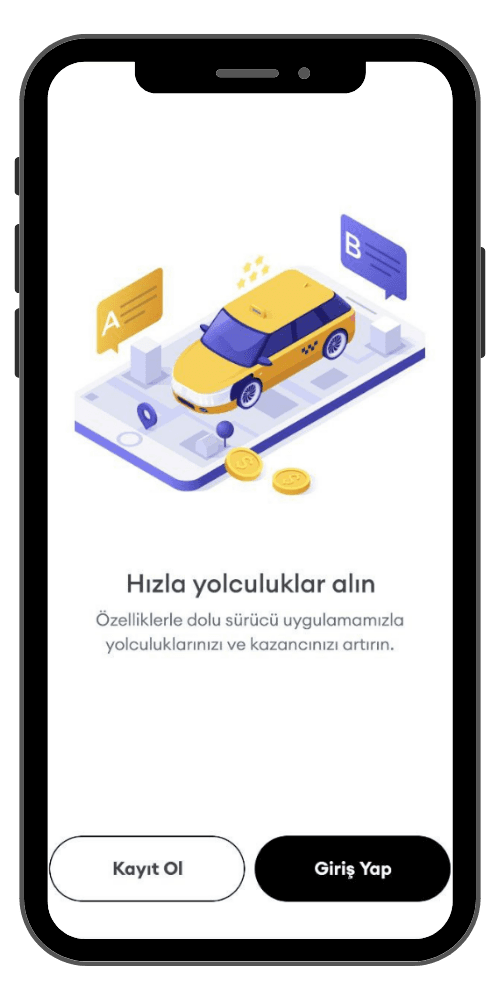
11. Installation and Registration
After downloading our application by typing 'CIPTAXI Driver' through the App Store or Play Store, log in. Upload all the requested information and documents completely with the Sign Up button on the page that appears.
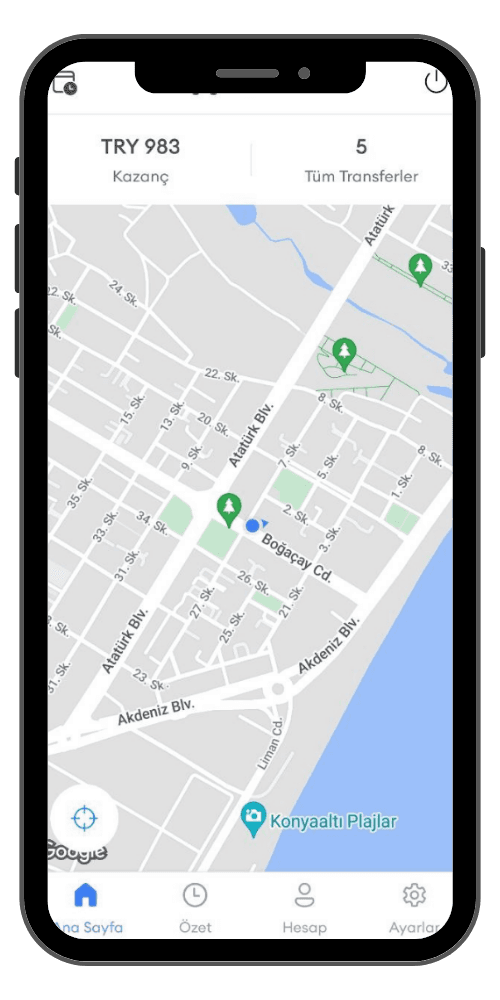
22. Approval Phase
After all requested documents (driver's license, vehicle registration, etc.) are checked and approved by our authorized units, you are ready to accept passengers. All you have to do now is actively wait for requests in the application.
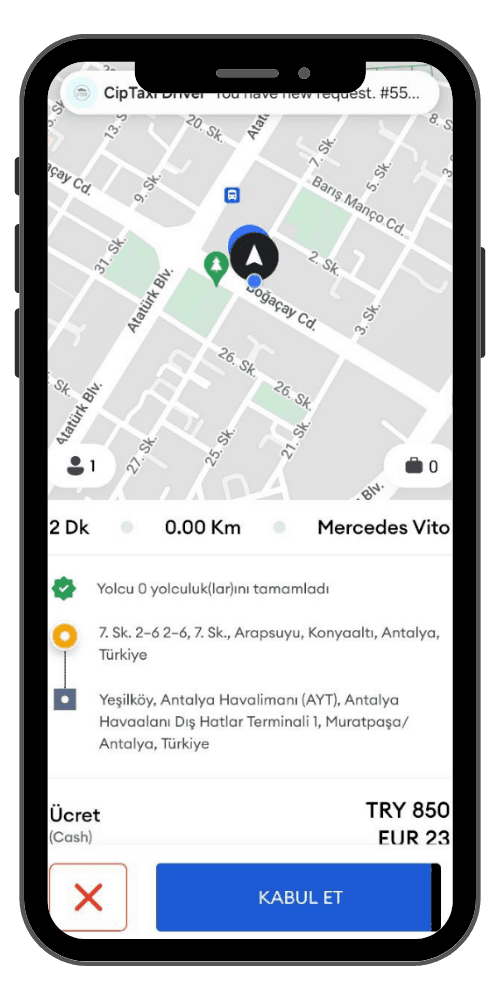
33. Accepting the Journey
As long as you are active in the application, you are a potential driver and you may receive a job offer at any time. You can check the job in detail in the incoming notification and accept or reject the offer according to your availability.
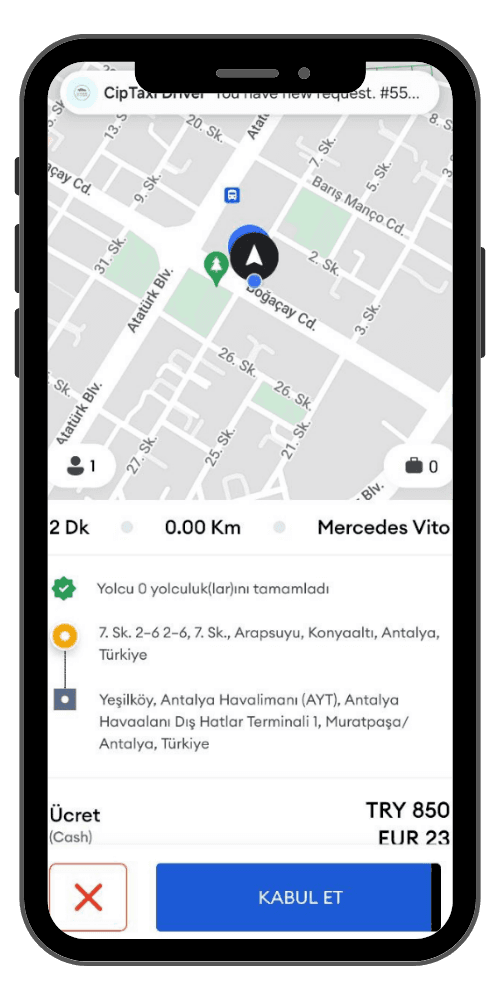
44. Starting the Journey
After accepting the journey, our guest will be able to view your location, arrival time, and vehicle information via the application. After reaching the specified customer location as soon as possible and welcoming the guest, you can safely start the journey.
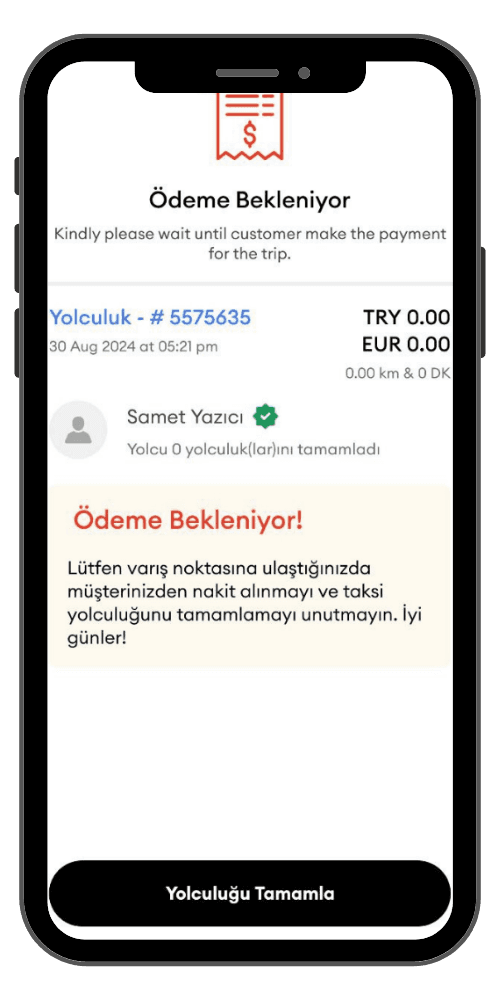
55. Ending the Journey and Payment
After safely dropping off the passenger at the destination, do not forget to press the 'end ride' button on the application. Then, it will be sufficient to receive the payment (if cash) or wait if it is via the system, according to the method chosen by the passenger.
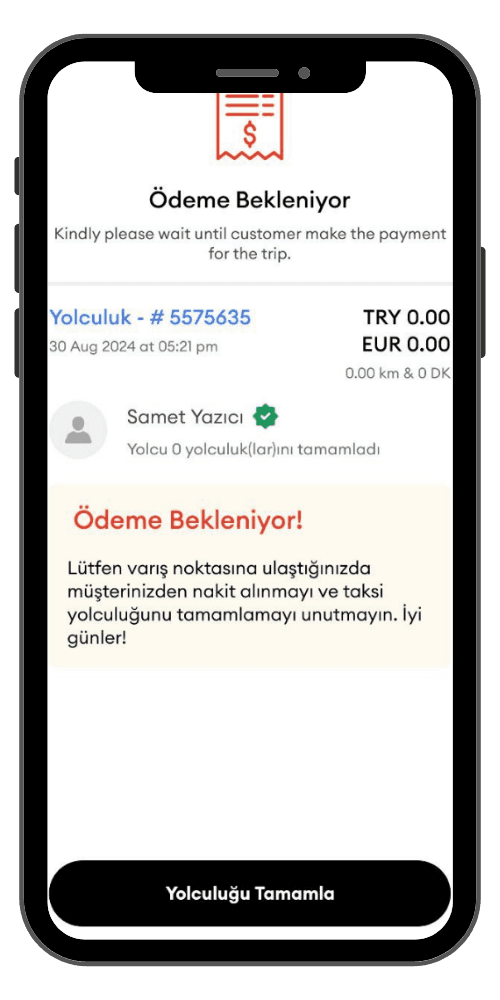
66. Rating
Now that the journey is completed, do not forget to comment on the passenger and the application experience. You continue to appear as a potential VIP driver in the app for new passengers, keep waiting for new requests!